
A PLACE TO CALL HOME
Bring your base ideas to life while respecting essential locations and access. Check the current building rules before committing to a spot.
BLUEST / WORLD 02 · WIPED OCTOBER 16
The October 16, 2026 wipe is here. Start a new chapter in Bluest Chernarus with fall adventures, quests, trading, and dangerous AI encounters.
BEYOND THE COAST
Bring your base ideas to life while respecting essential locations and access. Check the current building rules before committing to a spot.
Trader quest boards turn your next journey into a new objective. Explore, gather, craft, and test your combat skills.
Quest guide →AI survivors and hostile military encounters make preparation matter. Approach the Northwest Airfield with a plan.
The published fall update adds rideable horses, persistent rail travel, more gear, and seasonal conditions.
Read the fall update →YOUR FIRST SPAWN
Get the game ready, find the server, and let the launcher handle the mods.
Bluest ChernarusNeed a hand? Ask in Bluest Discord
DayZ for PC on Steam. Chernarus is part of the base game. Update the game and keep Steam open.
Get DZSA from its official website , then point it to your DayZ installation if prompted.
Search “Bluest Chernarus”. Choose the public server and add it to your favorites. Private test listings are not the community server.
Click play, accept the required Workshop downloads, and wait for Steam to finish. Rejoin through the launcher with the server’s required mods.
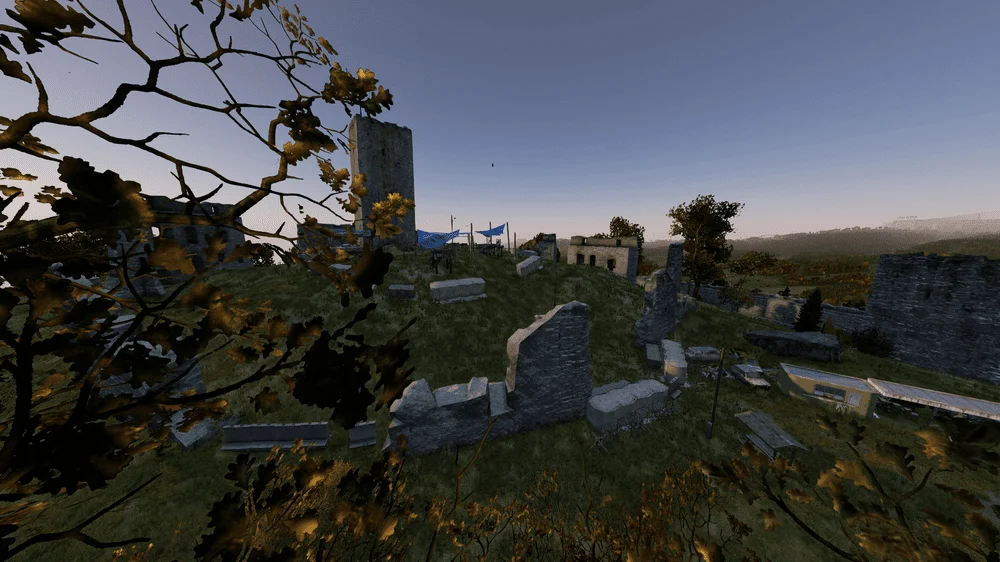
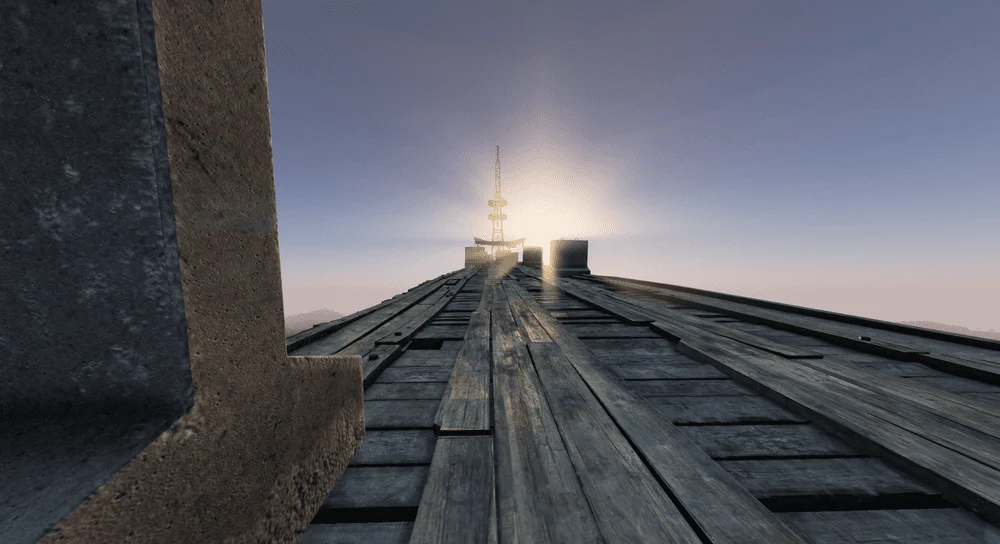
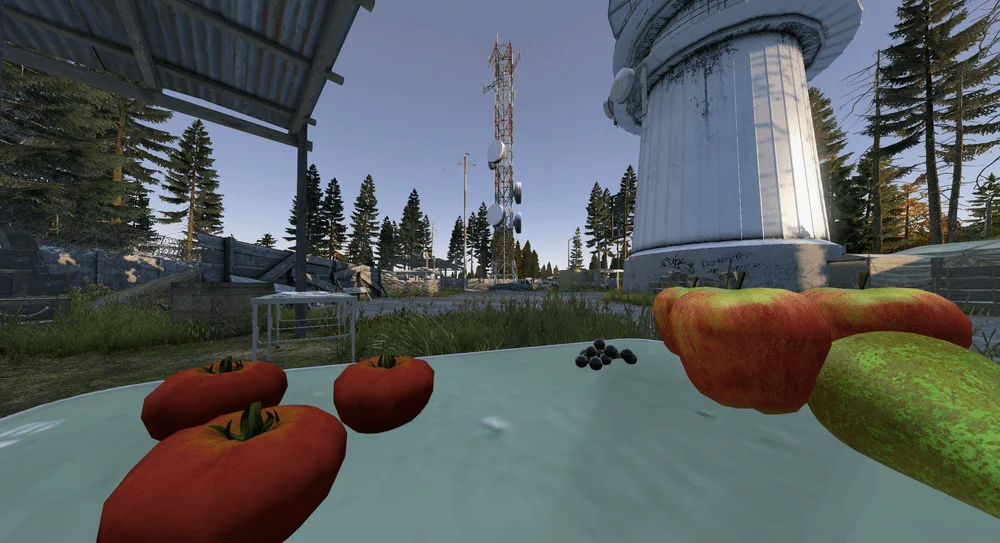
ACTUAL BLUEST CHERNARUS SCREENSHOTS
CONNECTION HELP