BLUEST / WORLD 01
INTO THE
BADLANDS.
Your next life starts in the dust. Discover Bluest’s custom DayZ experience on Nasdara.
A NEW FRONTIER
BRING YOUR CREW.
MAKE YOUR FIRST STORY.
The desert is a fresh setting for everything that makes a DayZ life memorable: the first encounter, a risky journey, the place you finally call home.
Bluest Badlands brings the community to Nasdara. Start with the reveal trailer, then use the guide below to get in.
CAPTURED IN GAME / BLUEST BADLANDS
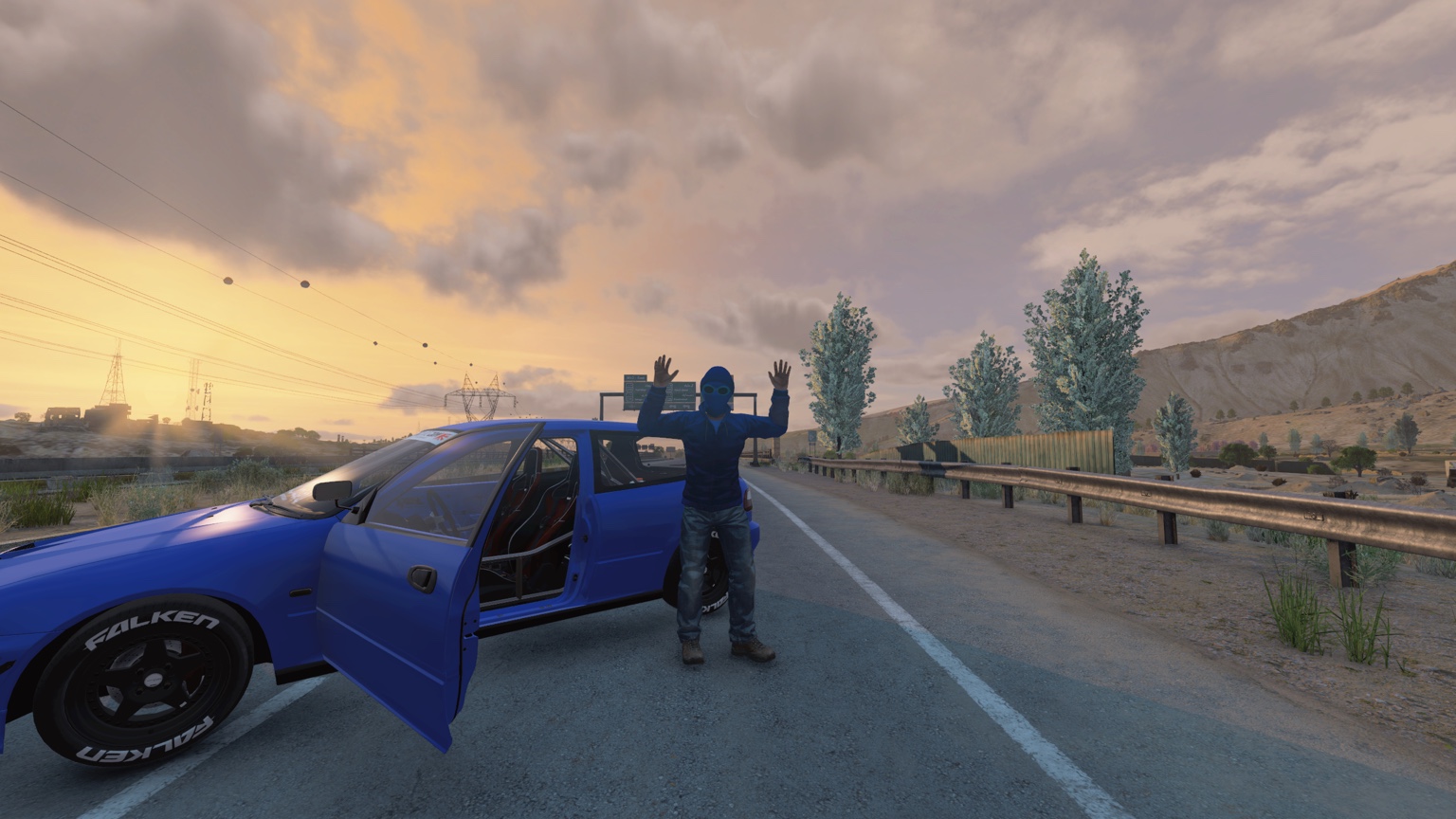
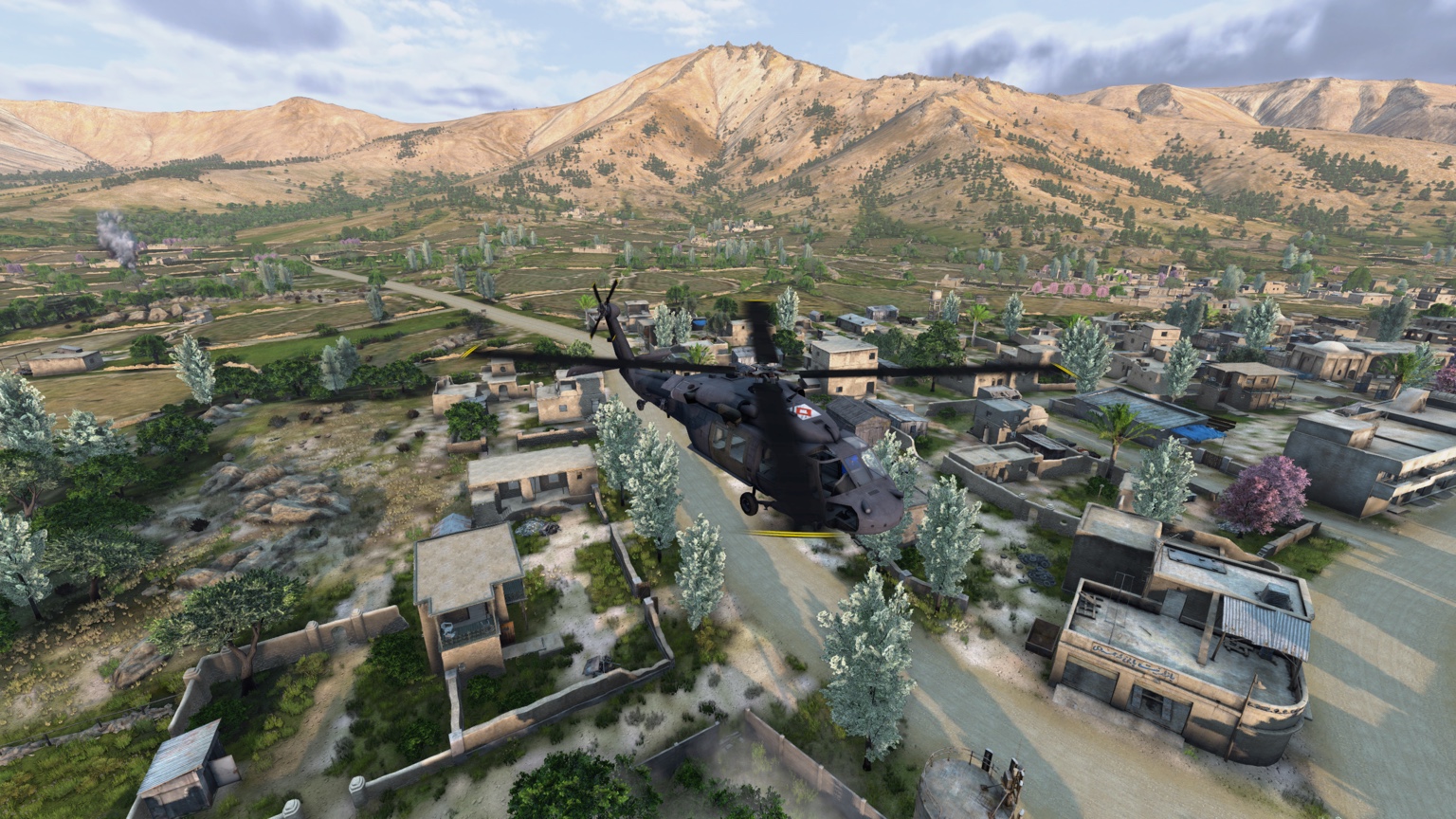
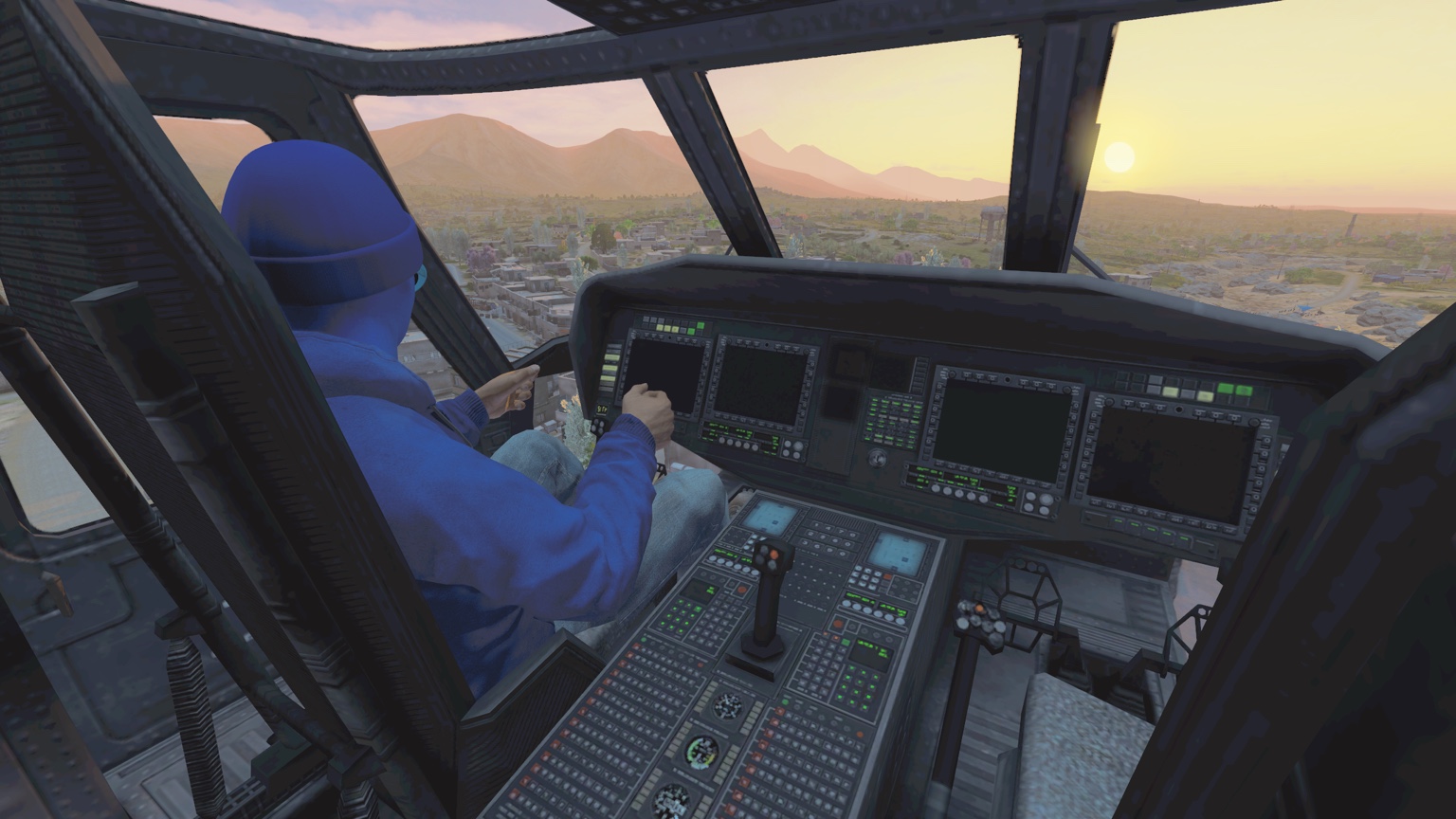
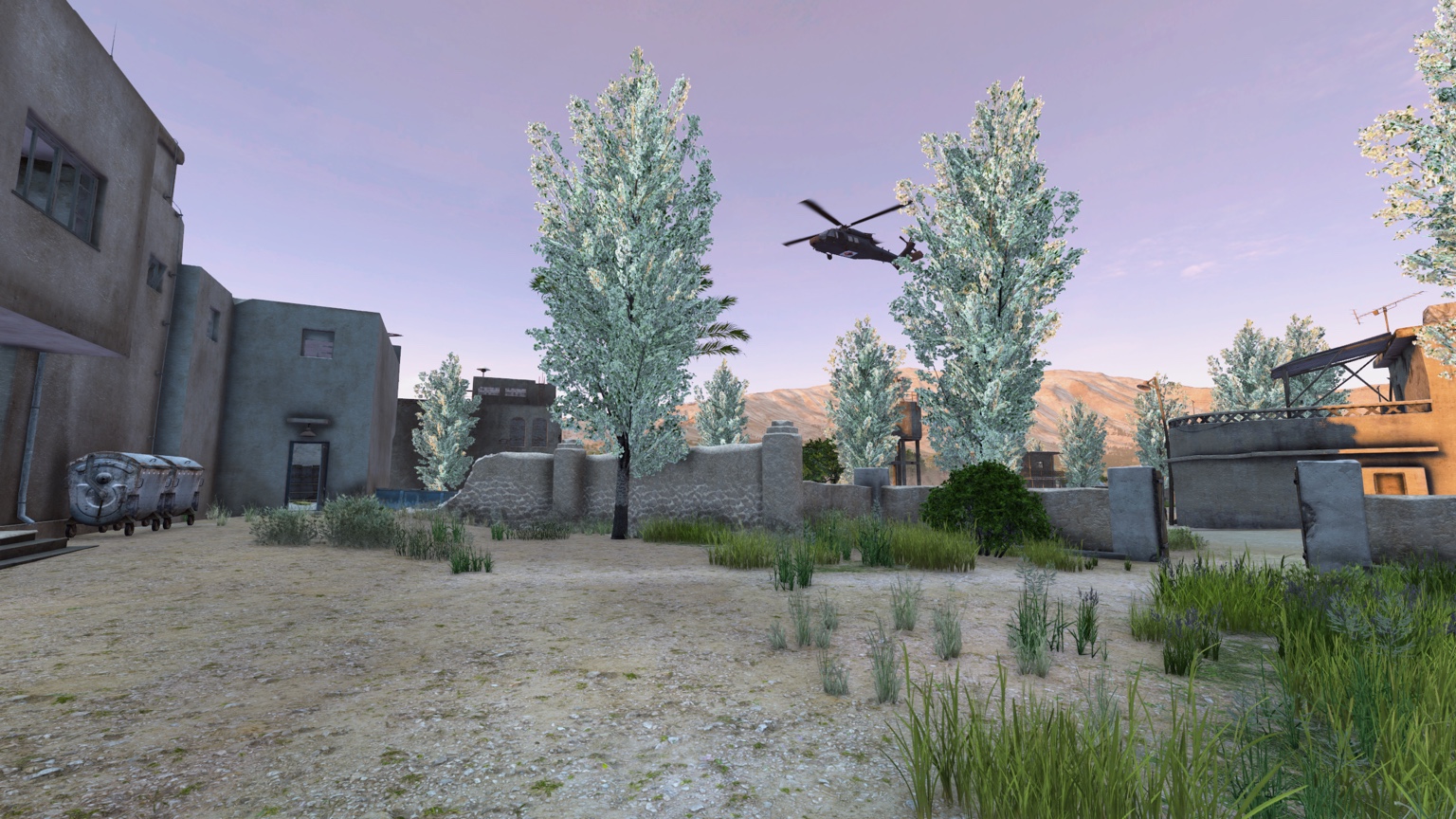
A LITTLE LOOK
INSIDE THE BADLANDS.
Six moments from our desert playground. The next one could be yours.
Make your first spawn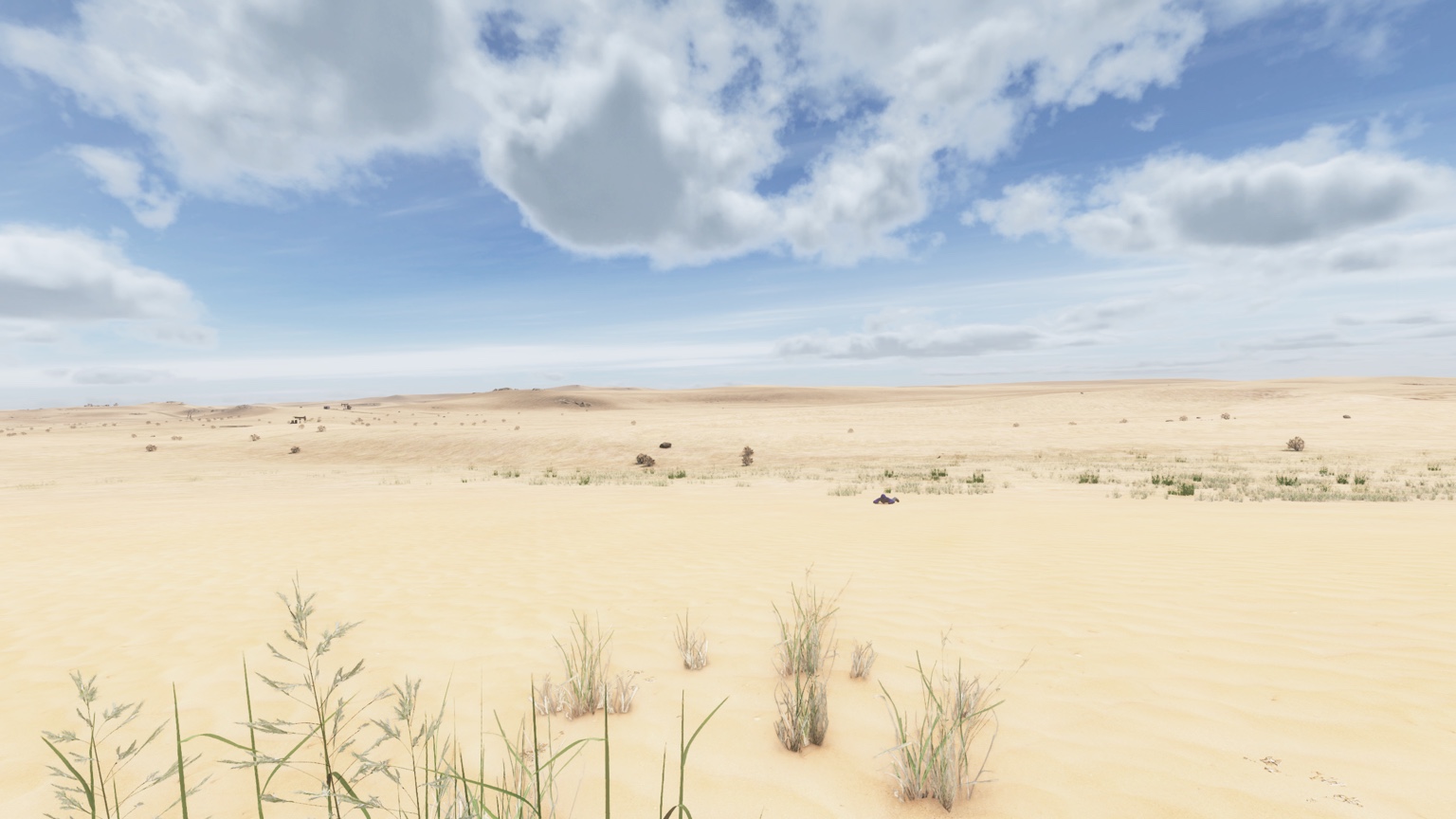
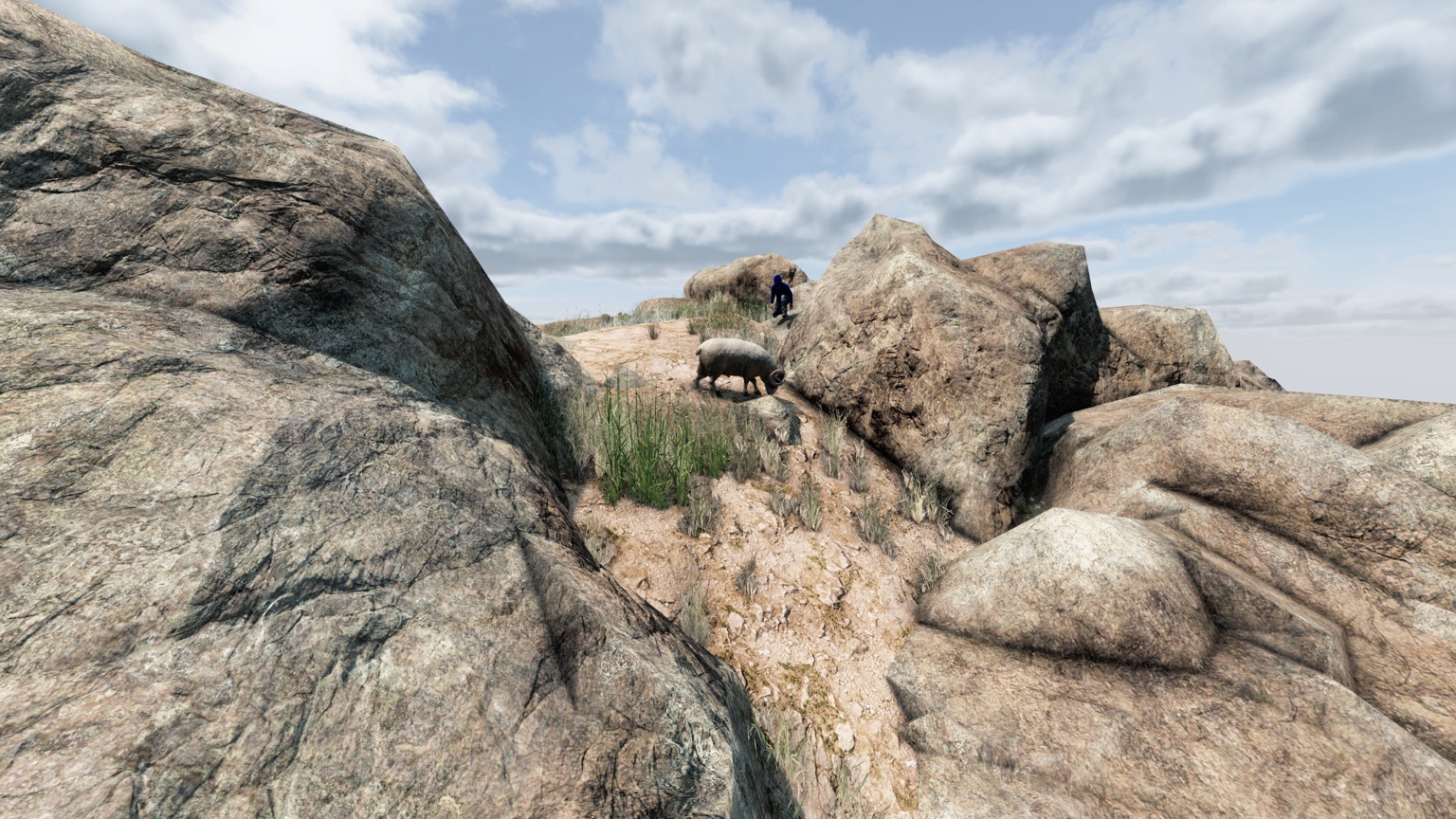
YOUR FIRST SPAWN
HOW TO JOIN
BADLANDS.
Get the game ready, find the server, and let the launcher handle the mods.
Bluest BadlandsNeed a hand? Ask in Bluest Discord
- 01
Get your game ready
DayZ for PC on Steam, plus the DayZ Badlands DLC installed. Update the game and keep Steam open.
- 02
Open the DZSA Launcher
Get DZSA from its official website , then point it to your DayZ installation if prompted.
- 03
Find Bluest Badlands
Search “Bluest Badlands”. Choose the public server and add it to your favorites. Private test listings are not the community server.
- 04
Install the mods. Join the story.
Click play, accept the required Workshop downloads, and wait for Steam to finish. Rejoin through the launcher with the server’s required mods.
CONNECTION HELP